How to Create a Discord Server: A Guide to a Successful Start
Learn how to create a Discord server, plan the perfect Discord server setup, attract new members, and build an active and secure Discord community.
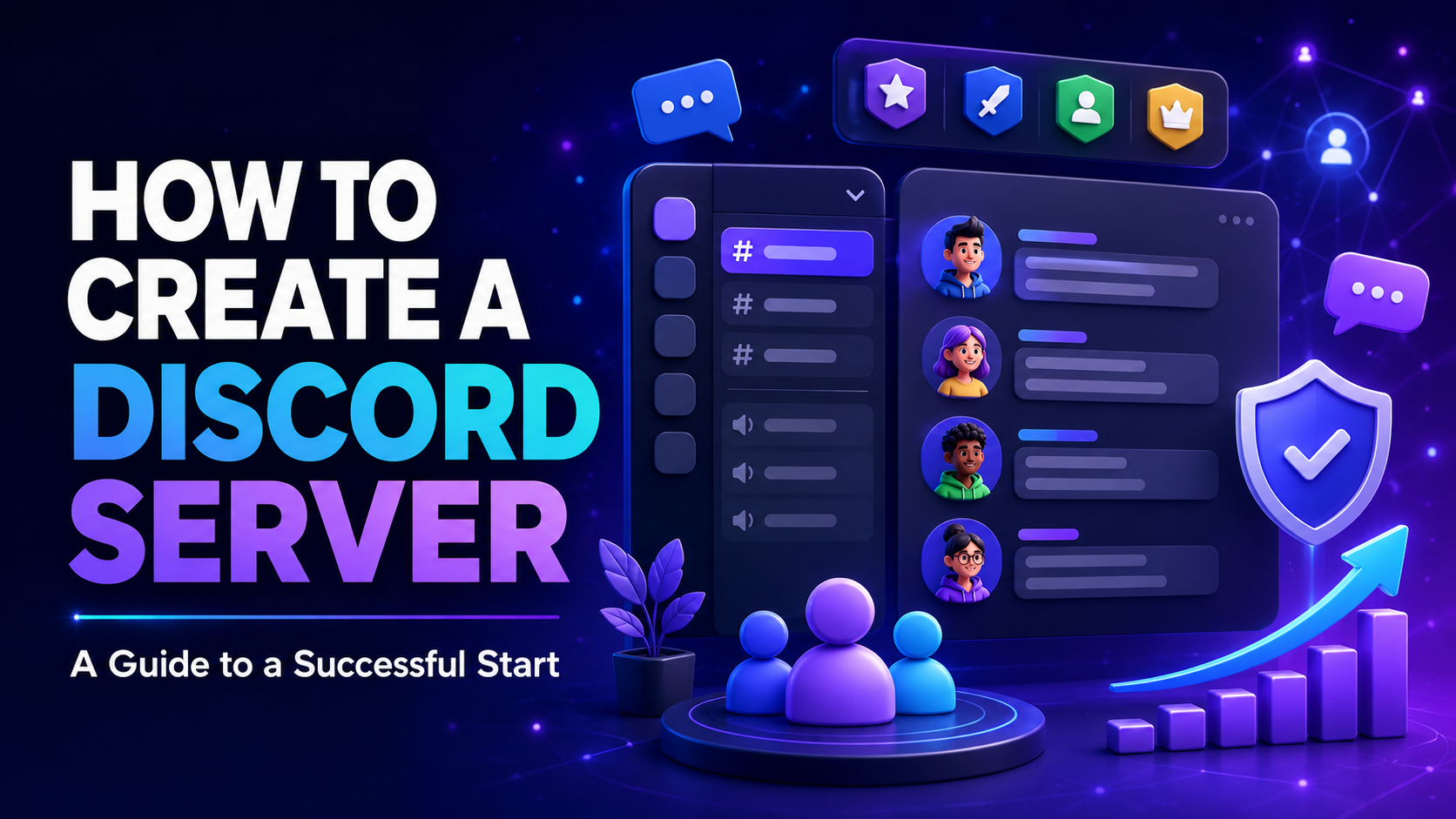
Creating a Discord server only takes a few minutes. Building an active, secure, and successful community, however, requires thoughtful planning. Your channel structure, roles, rules, onboarding process, and moderation strategy will determine whether new members stay or leave shortly after joining.
In this guide, you will learn how to create a Discord server, prepare a professional Discord server setup, and successfully build a Discord community from the ground up.
Why Create a Discord Server?
Discord is no longer limited to gaming communities. Creators, developers, businesses, content creators, clubs, projects, study groups, and online communities all use Discord to connect with their audiences.
Creating your own Discord server allows you to:
Build a community around a shared interest
Communicate directly with members, customers, or fans
Publish announcements and important updates
Organize events, contests, and community activities
Provide support and answer questions
Collect feedback and suggestions
Create long-term connections between members
Before creating your server, define its purpose and target audience. A gaming community needs a different structure than a support server, creator hub, or developer community.
1. Create Your Discord Server
Open Discord and click the plus icon in the server sidebar. You can select an existing template or choose to create your server from scratch.
To get started, you will need:
A short and memorable server name
A recognizable server icon
A clear server description
A defined target audience
A basic plan for channels and roles
Your server name should reflect your project and be easy to remember. Avoid unnecessary symbols or extremely long names. Your server icon should remain recognizable even when displayed at a small size.
2. Plan Your Discord Server Setup
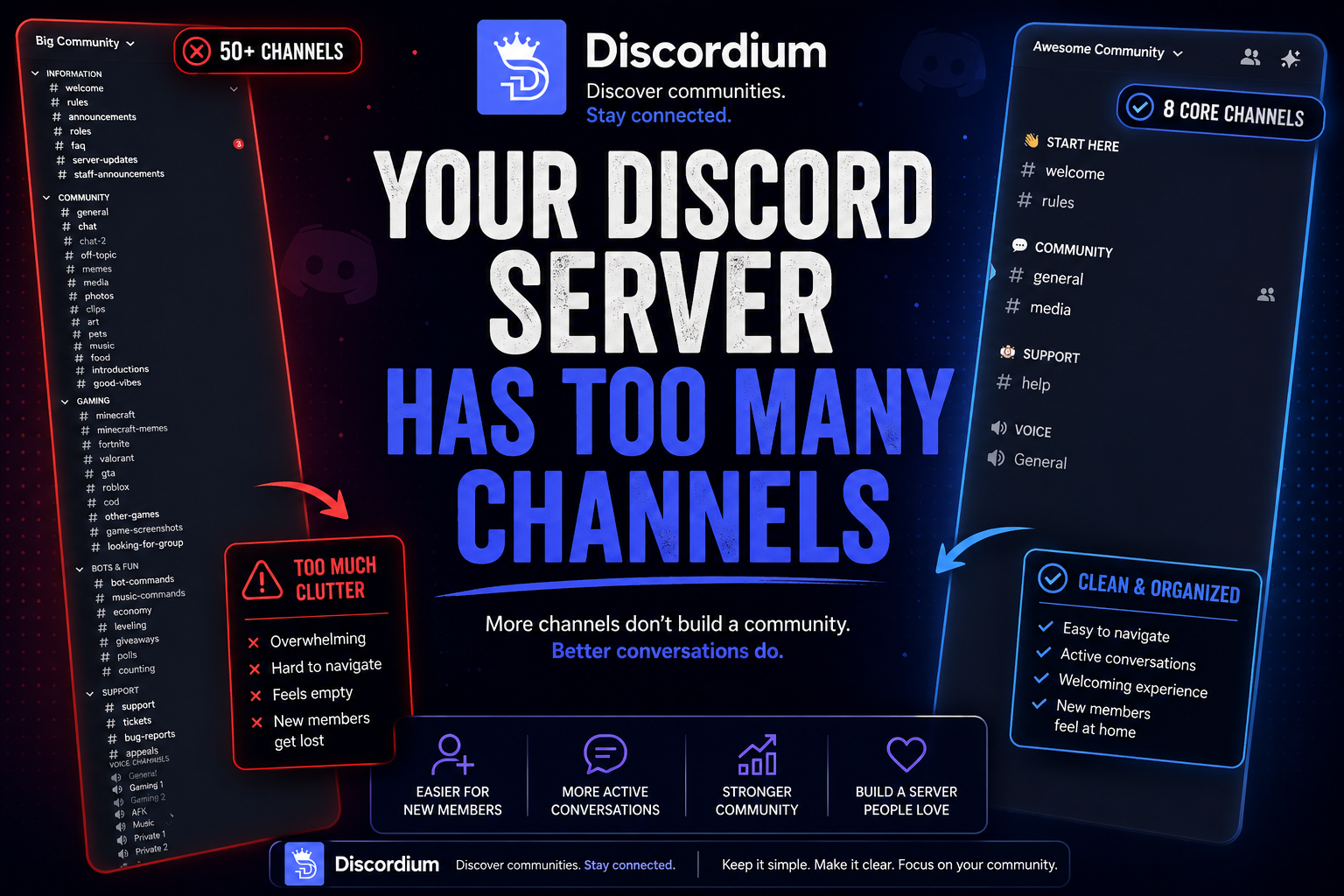
A good Discord server setup should be simple, organized, and easy to navigate. Too many channels can make a new server feel empty and overwhelming. Start with a small structure and expand it as your community grows.
Recommended Categories and Channels
INFORMATION
#welcome#rules#announcements#roles#faq
COMMUNITY
#general#introductions#media#memes#feedback
SUPPORT
#help#questions#tickets
VOICE CHANNELS
General
Gaming
Music
AFK
Add short channel descriptions so members immediately understand what each channel is for. Only create channels that serve a clear purpose.
3. Configure Roles and Permissions
Roles help organize your community and control which members can access or manage certain parts of the server.
A simple role hierarchy might include:
Owner
Administrator
Moderator
Support
Partner
Verified Member
Member
Bots
Only grant administrative permissions to people you trust completely. Permissions such as Administrator, Manage Server, Manage Roles, Manage Webhooks, and Ban Members should be limited carefully.
Bots should only receive the permissions required for their specific features. Giving a bot unnecessary access can create a serious security risk if the bot or its account is compromised.
4. Create Clear Server Rules
Rules establish expectations and make moderation easier. They should be easy to understand, visible to every member, and enforced consistently.
Your basic server rules could include:
Treat all members with respect.
Do not share illegal, harmful, or age-restricted content.
Spam, scams, and phishing attempts are prohibited.
Do not publish private information without permission.
Advertising is only allowed in designated channels.
Harassment, discrimination, and threats are not tolerated.
Follow Discord’s Terms of Service and Community Guidelines.
Follow reasonable instructions from the moderation team.
Avoid unnecessarily complicated rules. New members should be able to understand the most important expectations within a few minutes.
5. Build an Effective Onboarding Process
Onboarding creates the first impression of your server. If new members do not understand what to do after joining, they may leave immediately.
A successful onboarding process should answer these questions:
What is the server about?
Which rules must members follow?
How can members access the main channels?
Where can new users introduce themselves?
Where can members ask for help?
Which roles can members select?
What activities does the community offer?
Welcome new members with a short message and a clear next step. For example, ask them to read the rules, select their interest roles, and introduce themselves in the appropriate channel.
6. Add Useful Discord Bots
Discord bots can automate moderation, security, support, engagement, and other server tasks. However, adding too many bots can make the server confusing.
Useful bot features include:
Automated moderation
Anti-spam and anti-scam protection
Ticket and support systems
Level and activity systems
Polls and suggestions
Event reminders
Server statistics
Discovery and server promotion
With Dizi, the official Discordium discovery bot, you can add your Discord server to Discordium directly from Discord. The /addserver command allows you to create a listing without needing a dedicated bump channel.
7. Build an Active Discord Community
Creating the server is only the beginning. If you want to build a Discord community, you need regular conversations, activities, and opportunities for members to participate.
Effective community activities include:
Daily or weekly discussion topics
Community questions and polls
Gaming or movie nights
Contests and creative challenges
Feedback sessions
Collaborative projects
Voice chat events
Member spotlights
Exclusive content and previews
Server owners and team members should remain active themselves. Members often follow the example set by the leadership team. A community feels alive when new users are welcomed, questions receive answers, and conversations happen regularly.
8. Choose the Right Moderators
A reliable moderation team protects your members and maintains a positive atmosphere. Moderators should be calm, fair, trustworthy, and able to communicate clearly.
Look for qualities such as:
Regular server activity
A strong understanding of the rules
Respectful communication
Neutral conflict resolution
Responsible use of permissions
Experience with Discord
Good teamwork
Create internal moderation guidelines so warnings, timeouts, and bans are handled consistently. Documenting important moderation actions also helps resolve appeals and prevent misunderstandings.
9. Secure Your Discord Server
Security should be part of your initial Discord server setup. Public communities can become targets for spam, scams, phishing, malicious bots, and raid attacks.
Recommended security measures include:
Enable an appropriate verification level
Configure Discord AutoMod
Restrict
@everyoneand@herementionsReview bot permissions regularly
Require two-factor authentication for moderators
Verify bots and integrations before adding them
Create an emergency plan for raids
Educate members about suspicious links and messages
Log important moderation actions
Review role permissions after major server changes
Security bots can provide additional protection, but they cannot replace careful role management and an attentive moderation team.
10. Promote Your Discord Server
Even a well-designed server needs visibility. Promote your community on platforms where users actively search for new Discord servers.
You can list your server on Discordium.org and make it discoverable to potential members. A complete server listing should include:
A clear and descriptive title
A detailed server description
Relevant categories and tags
A high-quality banner
A working invitation link
Information about events and community benefits
The server’s primary language and target audience
Avoid misleading descriptions and excessive keyword stuffing. An accurate listing is more likely to attract members who are genuinely interested in your community.
11. Keep Members Active
The number of people who join does not define the success of your server. Long-term activity and retention are more important than raw membership numbers.
To improve member retention:
Welcome new members personally
Respond to questions quickly
Listen to community feedback
Recognize helpful and active members
Host events regularly
Communicate changes transparently
Remove or reorganize inactive channels
Avoid excessive notifications and mentions
Give members opportunities to contribute
Review which channels are active and where new members stop participating. Use these insights to improve your community structure and onboarding process.
Common Discord Server Mistakes
Creating Too Many Empty Channels
A large server structure does not automatically look professional. Empty channels can make a new server appear inactive.
Using Unclear Permissions
Incorrect role permissions may expose private channels or give members access to sensitive moderation tools.
Ignoring Moderation
Without an available and prepared moderation team, spam, arguments, and rule violations can quickly damage a community.
Sending Too Many Notifications
Constant announcements and mentions may cause members to mute the server or leave completely.
Buying Members
A high member count without genuine activity does not create a successful community. Organic growth may be slower, but it produces a stronger foundation.
Having No Clear Purpose
Members need a clear reason to join your server instead of one of the thousands of alternatives available.
Discord Server Launch Checklist
Before publicly promoting your server, verify the following:
The server name, icon, and description are complete.
Categories and channels are easy to navigate.
Roles and permissions have been tested.
Rules and safety information are visible.
The onboarding process works for new members.
Moderators understand their responsibilities.
Security and verification features are enabled.
Bots only have the permissions they require.
Invitation links work correctly.
Your Discordium listing is complete.
Initial content and discussion topics are prepared.
A plan for events and activities is ready.
Conclusion
If you want to create a Discord server successfully, you need more than a few text and voice channels. A clear purpose, organized Discord server setup, reliable moderation, strong security, and regular activities provide the foundation for sustainable growth.
To successfully build a Discord community, focus on real connections and valuable experiences. Start with a simple structure, listen to your members, and improve the server as your community develops.
Once your server is ready, list it on Discordium.org or use Dizi’s /addserver command to add it directly through Discord.