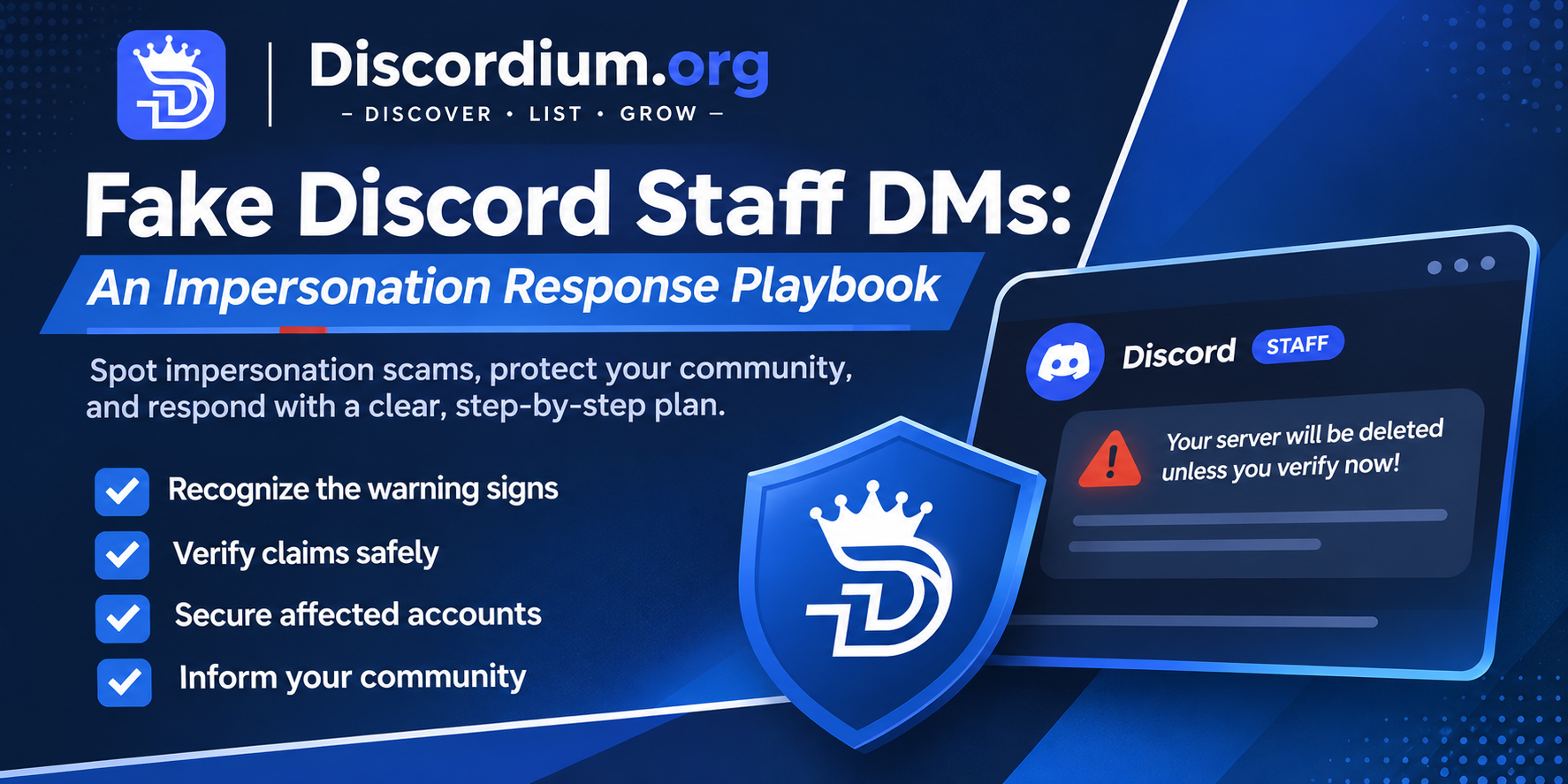
Fake Discord Staff DMs: An Impersonation Response Playbook
Community Safety · Discord Moderation
Fake Discord Staff DMs: An Impersonation Response Playbook
Scammers may pretend to be moderators, platform employees, or support agents. A calm, repeatable response helps your community avoid rushed decisions.
Why Impersonation Works
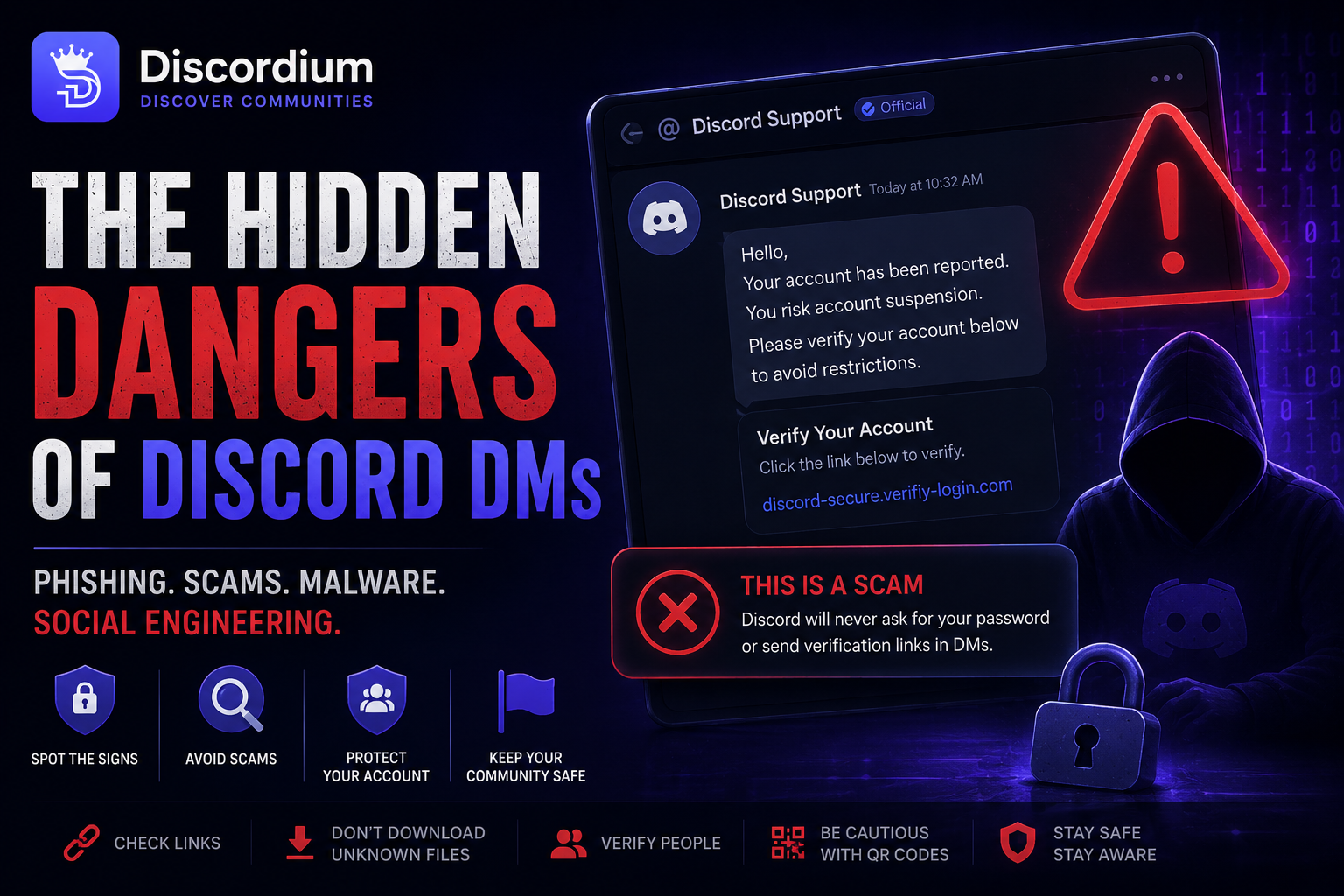
A message that appears to come from an authority figure can create urgency: "Your server will be deleted unless you verify now."
The sender may use familiar logos, copied names, or a convincing-looking link. None of those details alone proves authenticity.
1. Recognize the Warning Signs
- An unexpected DM claims your account or server is in immediate danger.
- The sender asks for passwords, authentication codes, bot tokens, QR scans, or payment details.
- A link leads to an unfamiliar domain or requests another login.
- The sender discourages contacting official support or your own team.
Discordium's official safety guidance says its staff will not request passwords, two-factor codes, tokens, or QR scans. Verify claims through official channels rather than replying to the sender.
2. Use a Five-Minute Verification Routine
- Stop: Do not click suspicious links, scan codes, or share credentials.
- Check: Independently open the official website or support server using a trusted bookmark.
- Capture: Save the message, sender ID, link, and timestamp where safe.
- Escalate: Alert trusted administrators privately and report the account through the relevant platform.
- Inform: Warn members without reposting dangerous links or publicly accusing an unverified person.
3. If Someone Already Clicked
Clicking a link does not necessarily mean an account was compromised. However, if someone entered credentials, approved a suspicious login, or installed software, take action promptly.
- Change credentials through the legitimate service.
- Review active sessions and connected applications.
- Enable or review multifactor authentication.
- Inspect bot roles and permissions.
- Rotate potentially exposed bot tokens using the official developer dashboard.
- Follow the service's incident guidance and involve the account owner.
4. Prepare Moderators Before an Incident
Give staff a short private escalation route. Decide who can issue public warnings, collect evidence, and revoke compromised integrations.
Practice with harmless sample messages. Never use real malicious links in training.
Keep incident logs limited to necessary personal data, restrict access, and define an appropriate retention period.
5. Publish a Member Warning That Reduces Panic
Safety Reminder
Our staff will never ask you to share passwords, login codes, or bot tokens in direct messages.
If someone claims to represent us and asks you to verify through an unfamiliar link, do not respond.
Contact moderators through our established support channel and report the message.
6. Audit the Aftermath
After containing an incident, check whether other members received the same message, whether permissions changed, and whether your warnings were understandable.
Record what worked and update your response process. Avoid publishing victims' names or sensitive screenshots.
Printable Impersonation Response Checklist
- ☐ No suspicious links opened or credentials shared during verification.
- ☐ Claims independently checked through official channels.
- ☐ Evidence captured with limited access.
- ☐ Accounts or integrations secured where necessary.
- ☐ Platform report submitted.
- ☐ Clear member warning posted if warranted.
- ☐ Follow-up audit and staff review completed.
Frequently Asked Questions
Can a verified-looking profile still be fake?
Yes. Display names, avatars, and screenshots can be copied. Always confirm identities through a trusted official channel.
Should moderators repost the scam link as a warning?
No. Describe the scam pattern without amplifying a harmful URL. Share evidence privately with the appropriate reporting team.
Where can I verify Discordium staff?
Use Discordium's official staff verification guidance and its reporting resources .
Make Safety Part of Your Community Routine
A short, practiced process beats a panicked response. Review your escalation steps regularly and make it easy for members to ask for help.
Explore more Discordium community guides and visit the Discordium Security Hub .
Editorial note: This article provides general community safety guidance. It does not announce a new Discordium feature or report a specific active incident.