From New Member to Regular: Building a Discord Server People Want to Stay In
Help new members feel at home from their first visit. Learn how clear onboarding, welcoming conversations, and consistent activities can turn newcomers into regulars in your Discord community.
Getting someone to join your Discord server is only the beginning. The next challenge is giving them a reason to return.
A clear listing can help people discover your community. A welcoming experience helps them become part of it. If you are promoting your server but conversations remain quiet, take a closer look at what happens after someone clicks your invite.
Make Your Server’s Purpose Clear
New members should quickly understand three things:
What is this community about?
Where should I start?
What can I participate in?
“Gaming, chatting, and fun” leaves a lot to the imagination. A more specific introduction gives visitors something concrete to connect with:
A friendly community for Minecraft builders. Share your projects, find building partners, and join our weekend creative sessions.
Use the same positioning in your server description, welcome message, and public listings. People should find the community they expected when they joined.
Keep the First Steps Simple
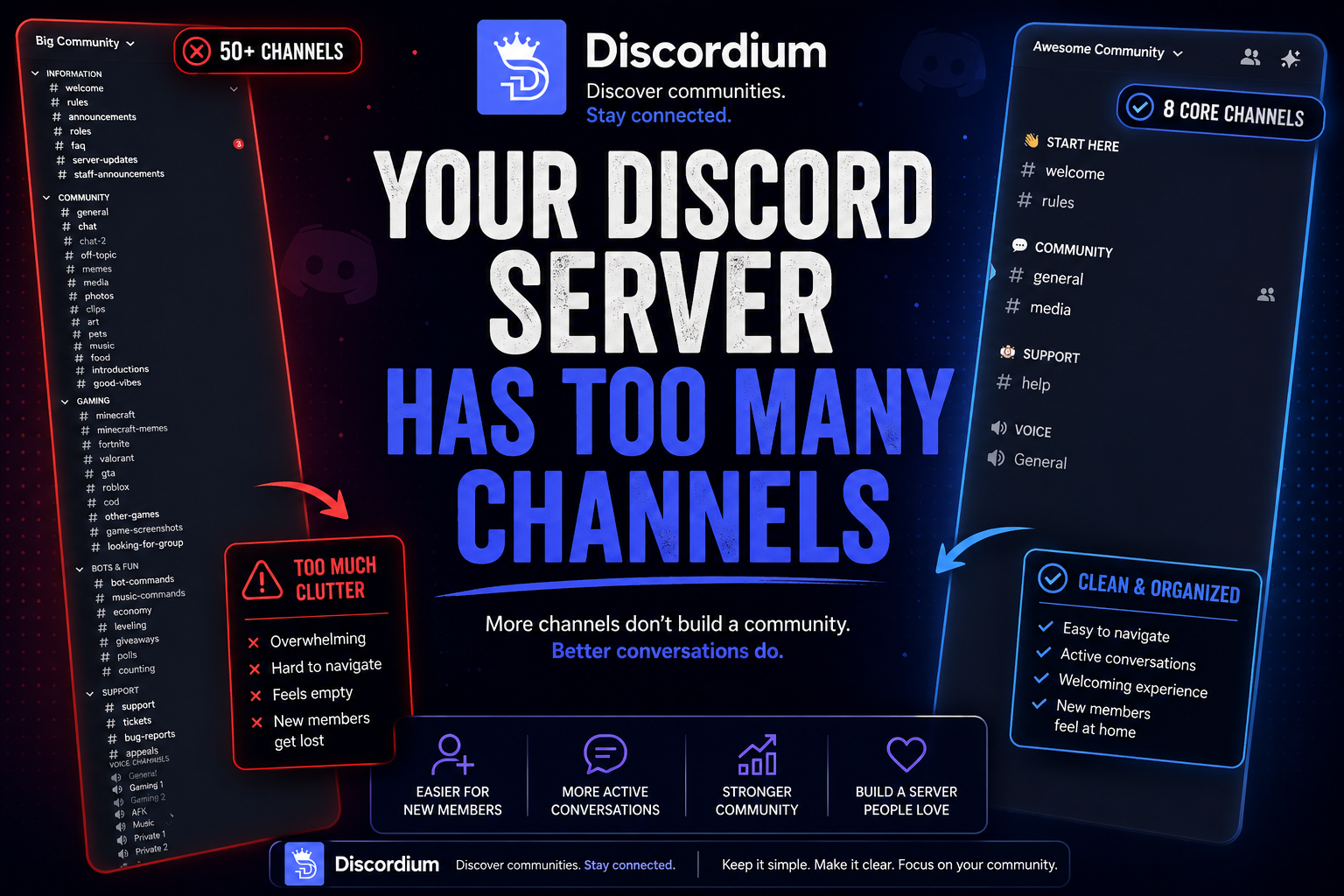
Look at your server through a newcomer’s eyes. An established member may understand every role and channel, while a new arrival sees a long list of unfamiliar names.
Create a short, visible starting point that explains:
The essential rules.
How to access relevant channels.
Where to ask questions.
One easy way to join a conversation.
If members need to complete verification, explain what they must do and where to get help if something goes wrong.
Review the experience with a regular member account. Administrator permissions can hide access problems that newcomers encounter.
Give People Something Easy to Respond To
“Introduce yourself” can feel like a bigger task than it sounds. A small, specific question gives people an easier opening.
For a gaming server, try:
What are you playing this weekend?
For a creator community:
What project are you working on right now?
For a Minecraft server:
Are you more interested in building, survival, or exploration?
Keep participation optional. Members should be able to explore before deciding how much they want to share.
When someone does respond, acknowledge them naturally. A welcome message becomes more useful when it leads to a real exchange.
Build Activities Around Your Community
Choose recurring activities that fit why people joined.
A development community could run a weekly project showcase. A gaming server could host a casual group session. An art community could invite members to share unfinished work and ask for feedback.
Start with one activity your team can maintain. Explain what it involves, when it happens, and how to participate.
Afterward, share a short recap or highlight. This gives members who missed it a way to reconnect and helps newcomers understand what participation looks like.
Promote the Experience You Actually Offer
Your public listing should describe what members can find today.
Include your main topic, the people your server is intended for, and a few specific activities or resources. Avoid promising constant activity or frequent events if your team cannot deliver them.
Before promoting your server again, check that:
Your invite works.
New members can access the intended channels.
Your description reflects the current community.
Your banner and icon remain relevant.
Advertised events and features are still available.
You can list your community on Discordium to help people exploring Discord servers find it. Give visitors enough detail to decide whether your community matches their interests.
Look Beyond the Member Count
A growing member count does not explain the whole experience.
Consider whether newcomers contribute, whether someone replies when they do, and whether they return. A smaller community with regular conversations may feel more welcoming than a larger server where questions go unanswered.
If you collect feedback, keep it simple:
Was anything confusing when you joined?
Review the answers for recurring problems. You may discover that a channel is difficult to find, a role is unclear, or the welcome instructions need updating.
Start With One Improvement
You do not need to redesign your entire server at once.
This week, review your welcome message, remove one unnecessary onboarding step, and create one easy conversation starter. Then observe how newcomers respond.
Discovery brings people to your door. Clear expectations, friendly replies, and worthwhile activities give them reasons to come back.
Ready to introduce your community? Add your server to Discordium and tell potential members what makes it worth joining.